How wali accounts work: supporting a Muslim marriage search
A wali account lets a parent or guardian support someone looking for a spouse, from inside the app. You have an account of your own, you can create or link a seeker, and, with their consent, you can act on their behalf. When they are ready, you step back.
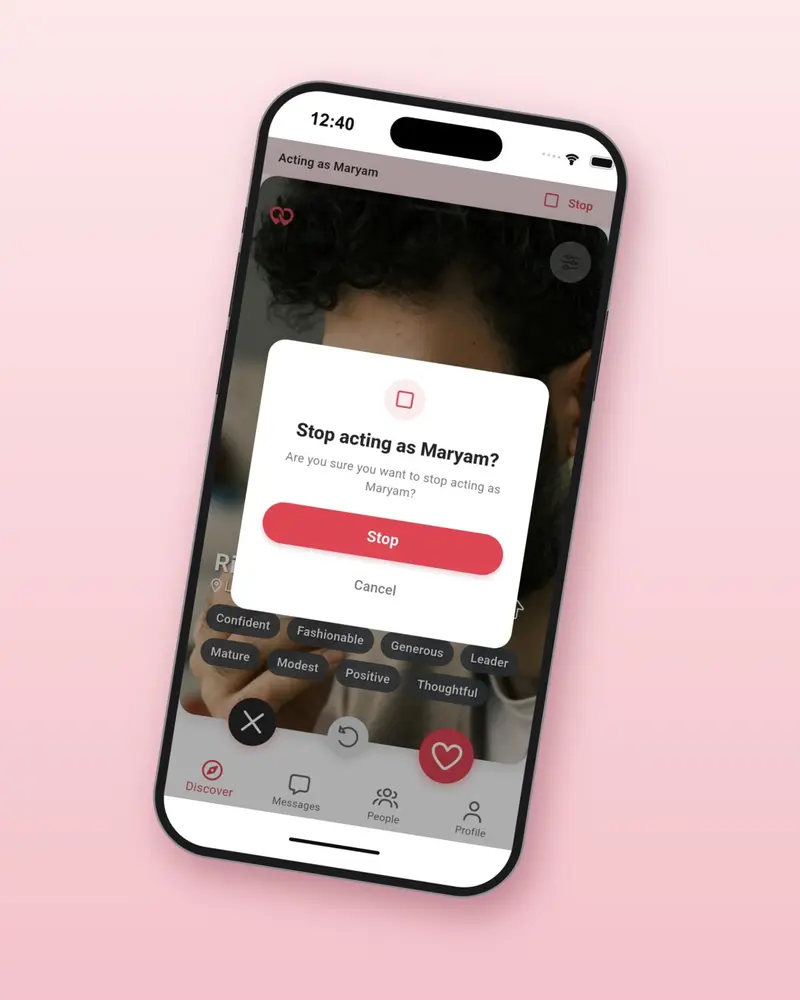
While you are acting, a banner always shows who you are acting as, and one tap returns you to your own account.
From sign-up to handing over, in five steps
-
1
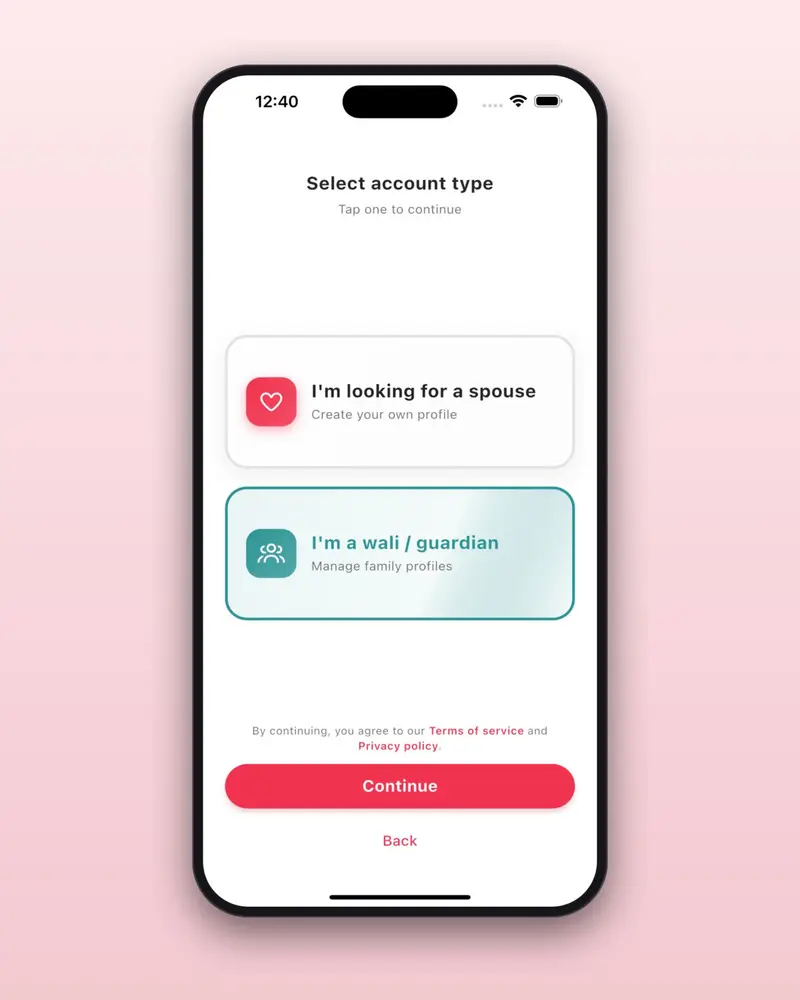
Create your wali account
Download Habiboo and sign up as a wali. You complete a live selfie check, like every member, and your account is yours alone. Nobody has to share a password.
-
2
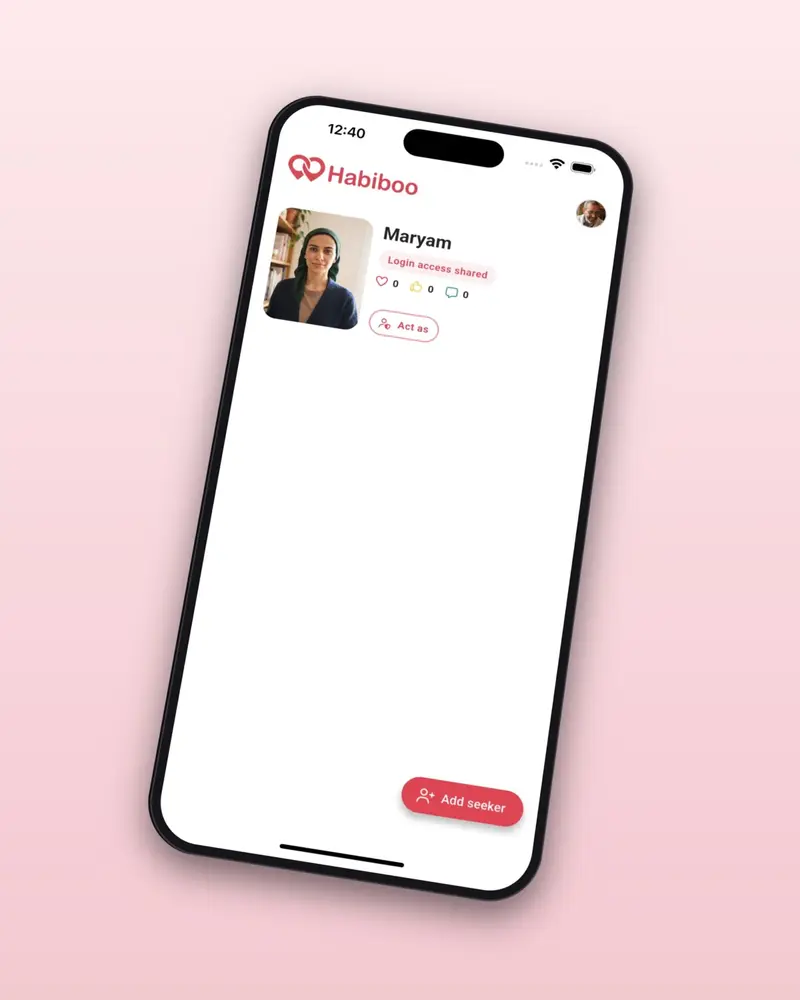
Create or link a seeker
Set up a profile for your son or daughter, or link to a seeker who already has an account. A wali can join someone who started on their own at any time.
-
3
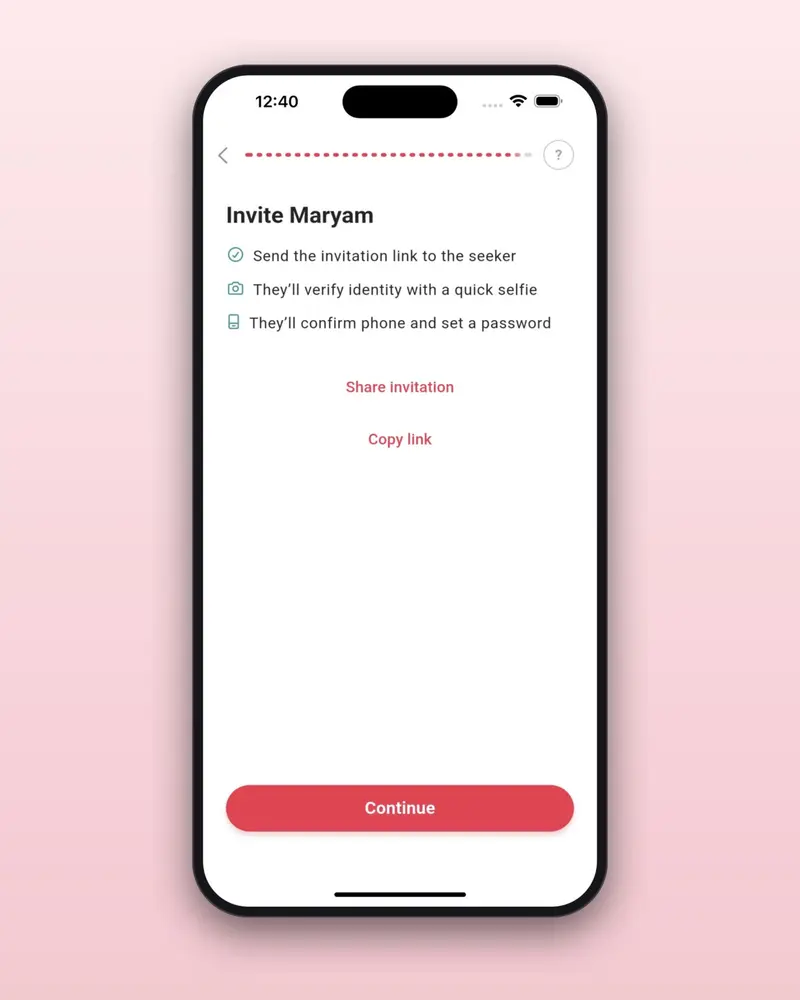
They join with a private link
Share the invitation link with them. They open it, complete their own selfie check and finish signing up, choosing their own password and photo privacy.
-
4
Act on their behalf when needed
Tap Act as on a seeker to manage their profile and chat for them, with their consent. Stop whenever you wish. Acting is part of the Gold and Diamond wali plans.
-
5
Hand over when they are ready
When your son or daughter is ready to continue alone, you step back and the profile is theirs.



Two roles, with clear lines
What stays with the seeker
- Their own account, password and selfie check
- Who may see their photos
- Their decision about who to meet
- The choice to hand the profile over or continue alone
What the wali can do
- Create or link seekers and share a private invitation link
- Guide introductions alongside the seeker
- Act on their behalf, with consent, and chat for them
- Support more than one family member, depending on the plan
Good to know
You always start as yourself
Each time you open the app you are in your own wali account. You choose when to act as someone else.
Private by design
Invitation links are private and meant for one person, and photo privacy stays in the seeker's hands.
Plans set how many you support
Gold supports up to 2 seekers and Diamond up to 5. Prices are shown in the app, in your currency.
Where to go next
Open a wali account
Download Habiboo free, sign up as a wali and support a loved one in finding a spouse, with respect and clear boundaries.